Running an association just got easy.
Members, renewals, dues, events and email in one system you run by asking. OneAMS prepares the work in seconds and waits for your approval.
- A staff member asks OneAMS: Who hasn't renewed for 2027? Send them a reminder.
- OneAMS reads 412 member records, finds 38 members due for renewal, prepares 38 invoices and drafts a reminder.
- The reminder addresses each member by name with their own level and amount due.
- A staff member approves it, and the reminder is sent to 38 members.
- Asked how much was collected in dues this year, OneAMS answers 57,100 dollars from 412 members, 9% more than last year, with a chart by month and a breakdown by membership level, and shares it with the board.
One assistant across the whole system. Your team approves what it prepares.
- 1Understand the request
- 2Read member records
- 3Prepare the work
- 4Wait for approval
- Member records
- Your rules
- Roles and permissions
A complete membership system underneath. One member record behind every screen.
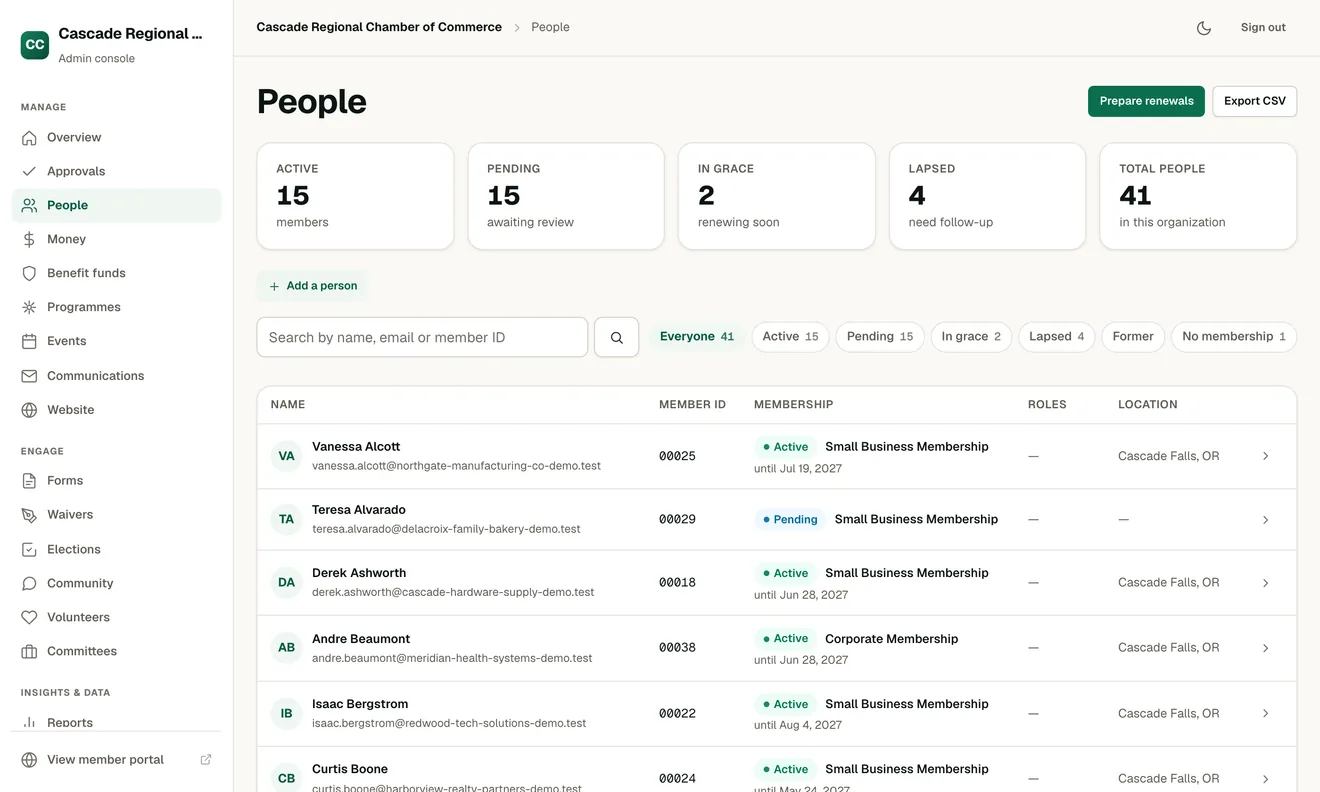
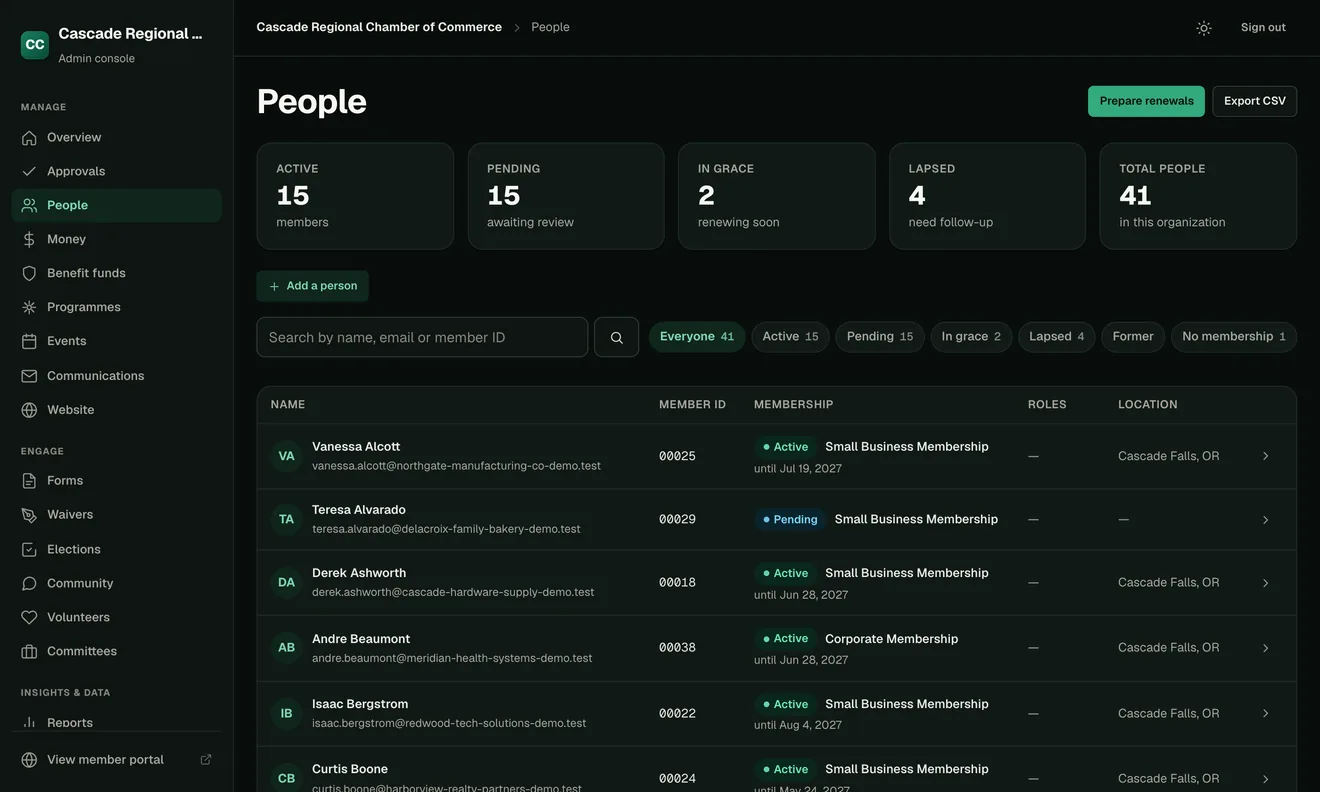
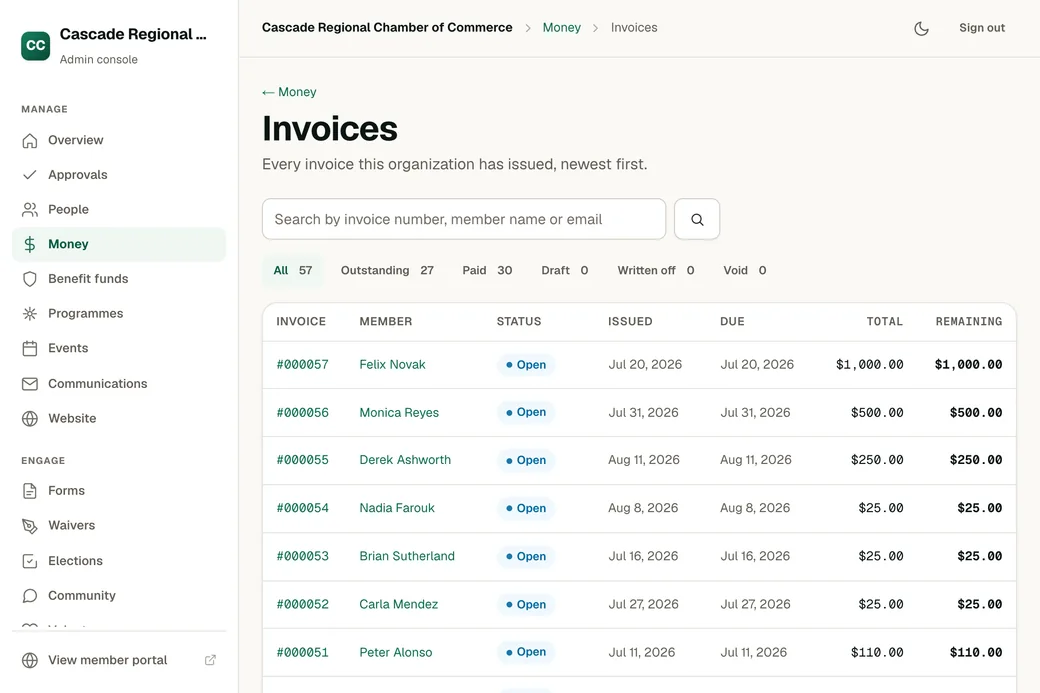
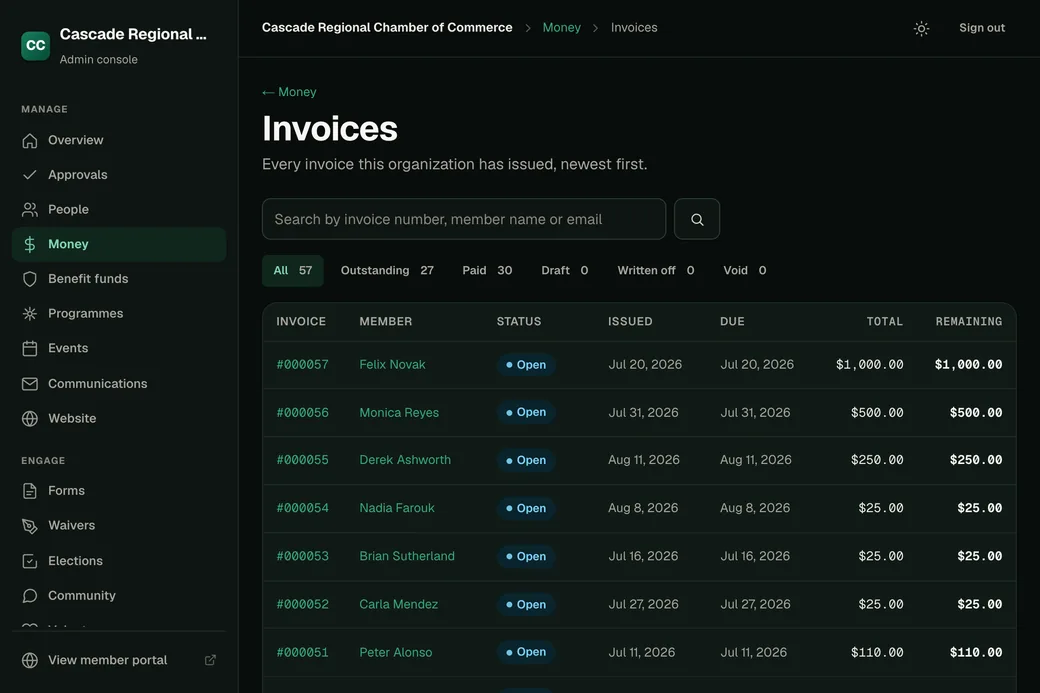
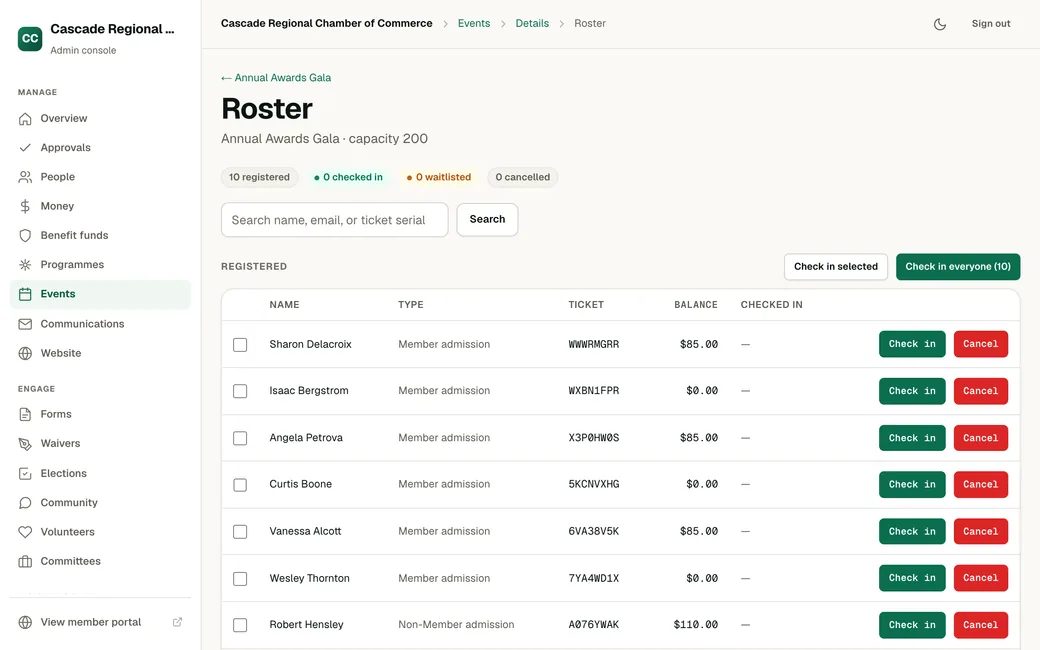
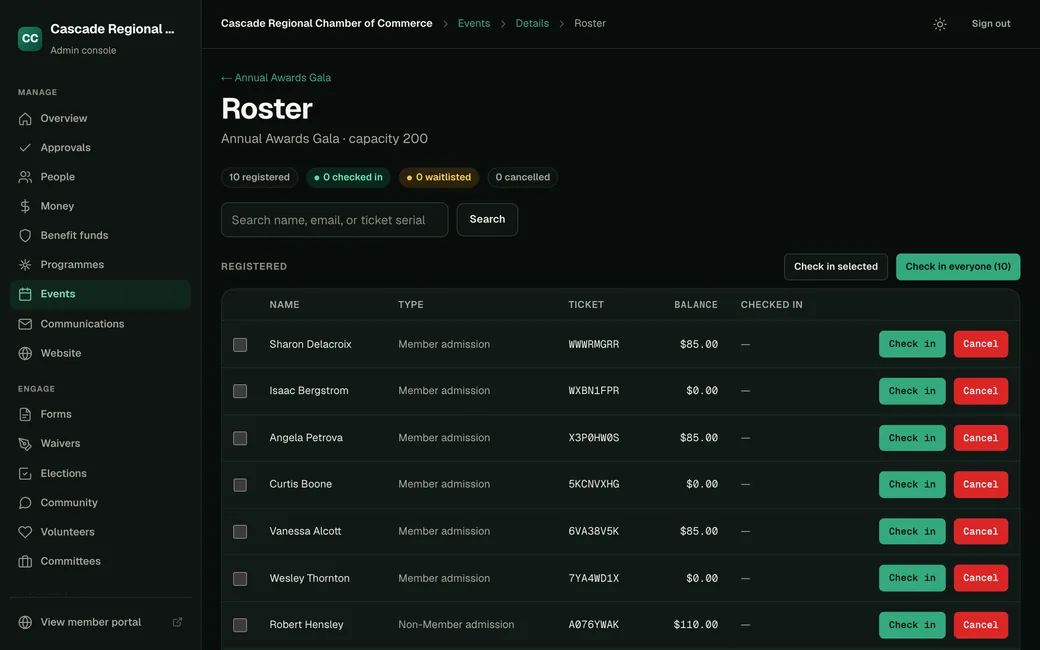
- Members and chapters Profiles, levels, renewals and the national rollup.
- Dues and payments Invoices, payments, donations and funds on one ledger.
- Events Registration, tickets and check-in at the door.
- Email and website Newsletters, your website and a member portal.
- Reports and board packs come from the same records.
- Roles decide who can see, change and approve each part.











Switching takes three steps. Export from the platform you use today, check a private copy of OneAMS with your team, and switch over when you are ready.
Product names and logos belong to their owners. OneAMS is not affiliated with these companies.
Done by request. Every screen is still there for the days you prefer to click.
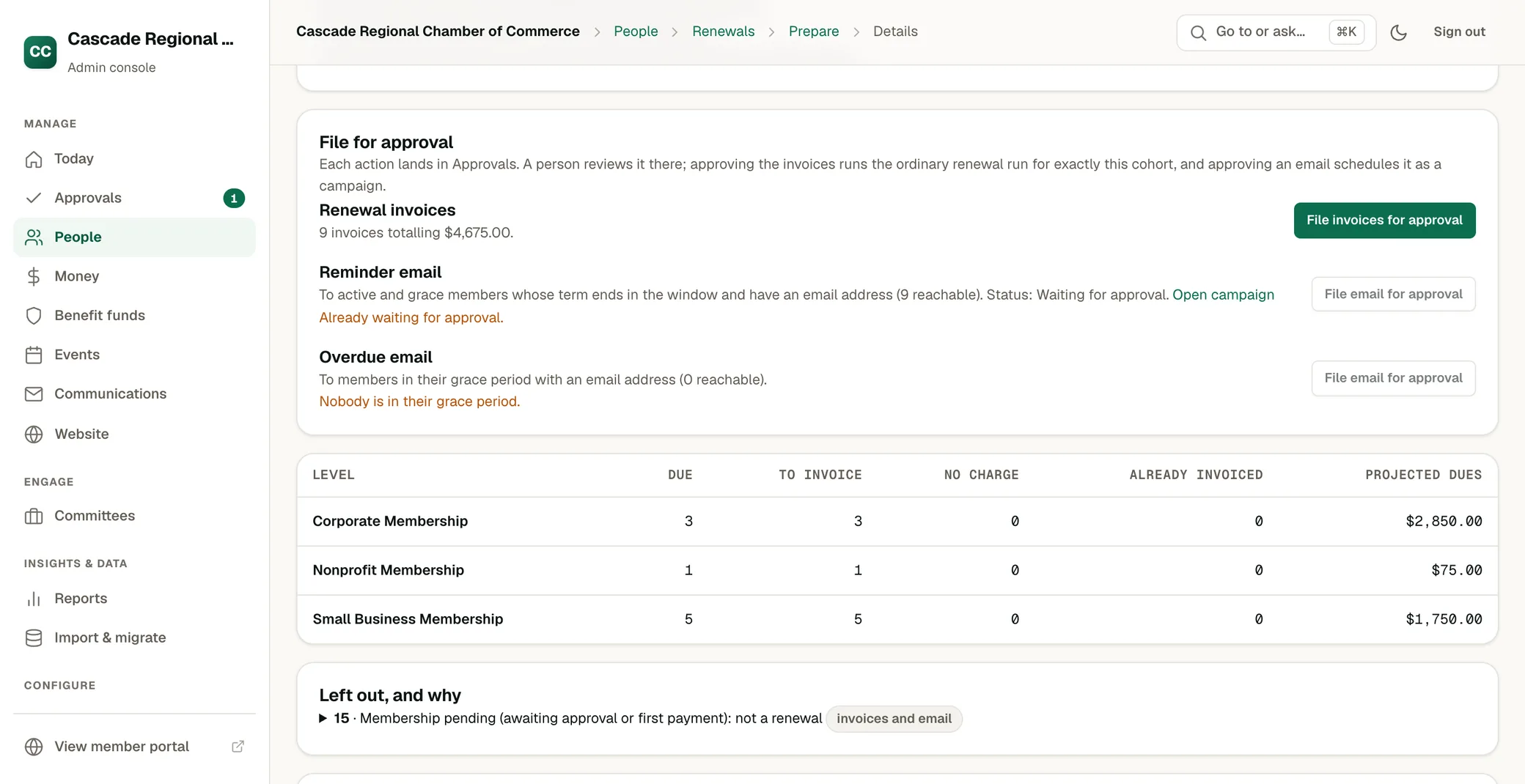
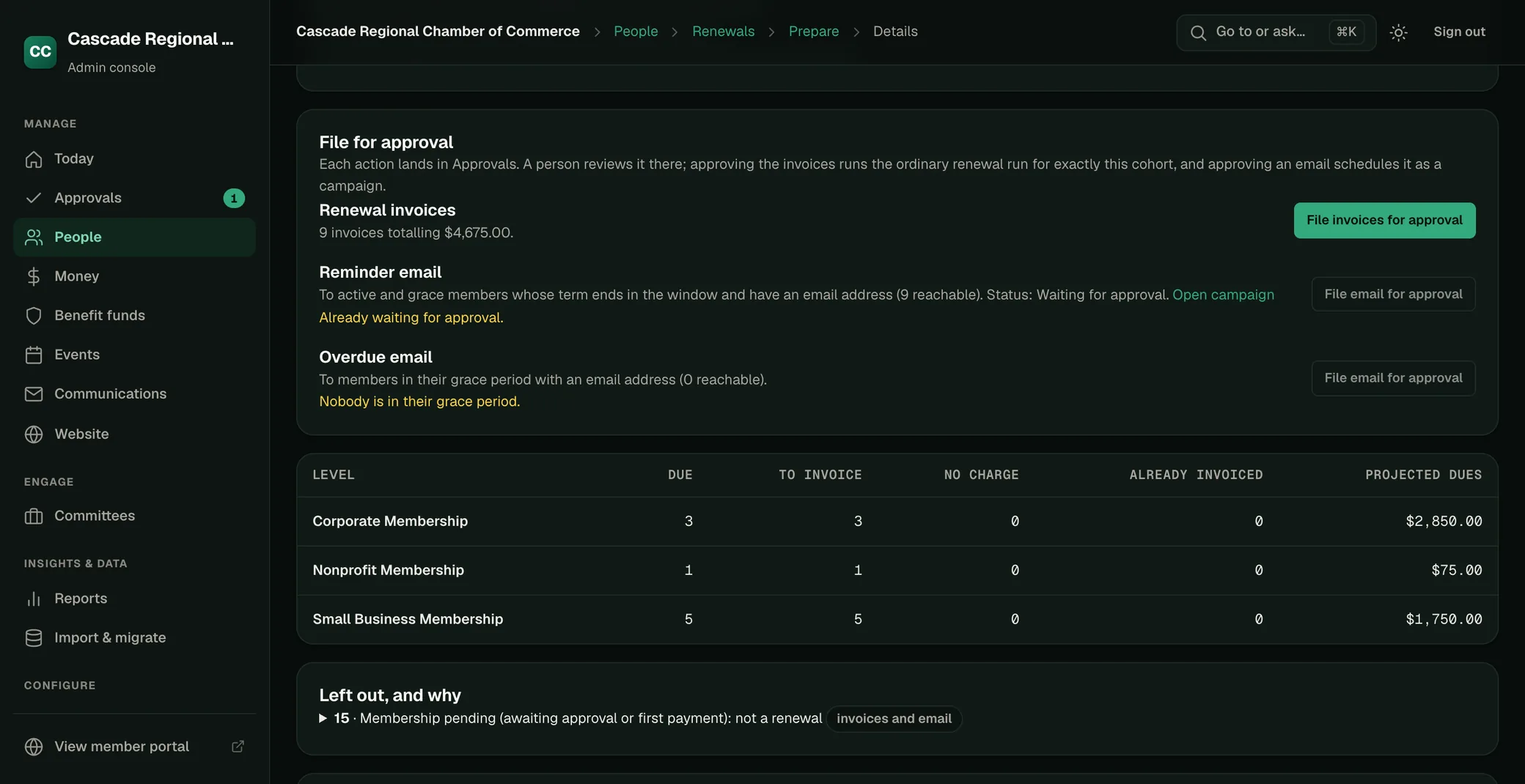
Renewals prepared in one review.
Ask for the members due this quarter. OneAMS lists them with their dues, drafts the invoices and the reminder, and files both for approval.
An event from one sentence.
Give the date, seats and prices. OneAMS builds the tickets, registration page and confirmation email.
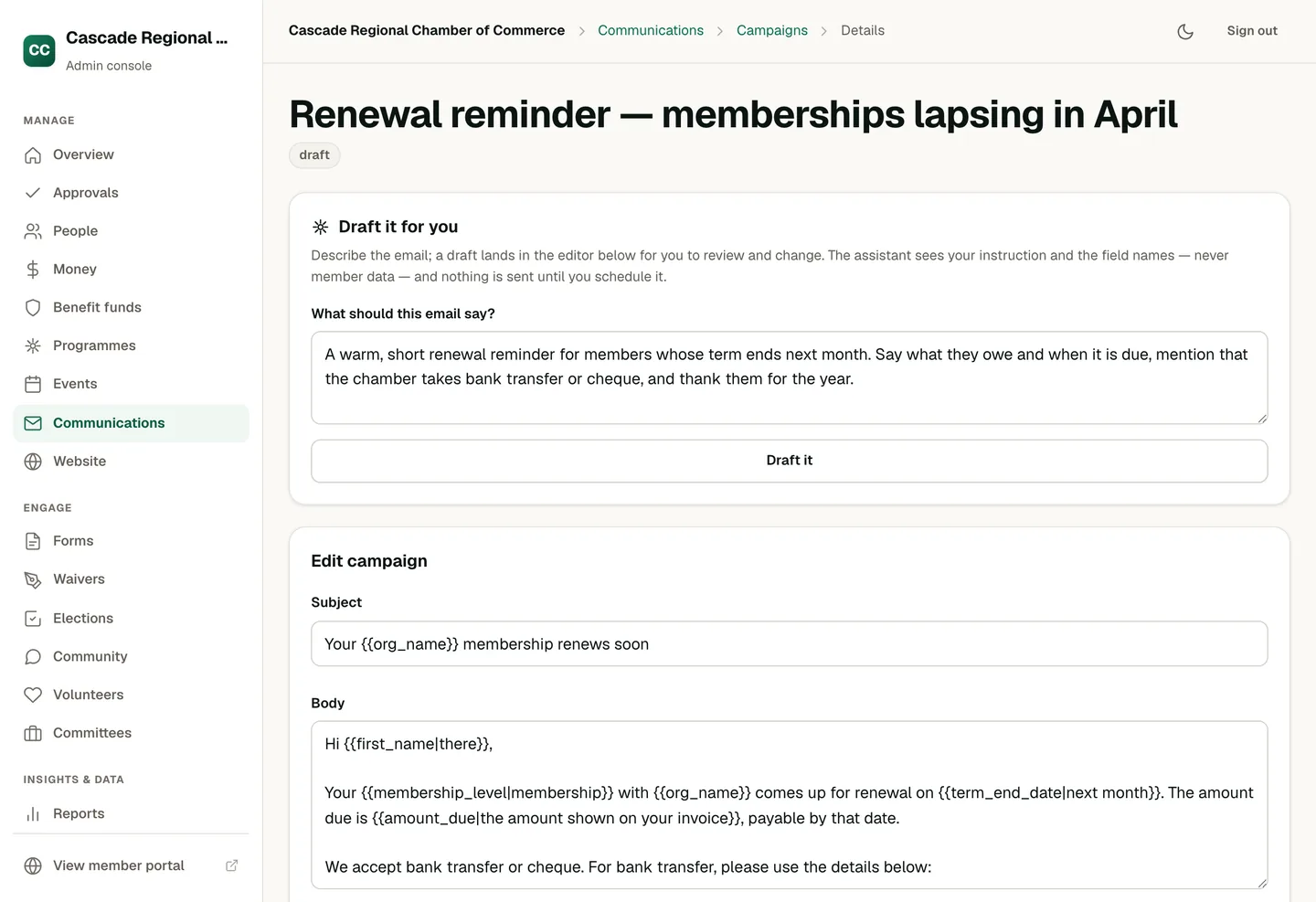
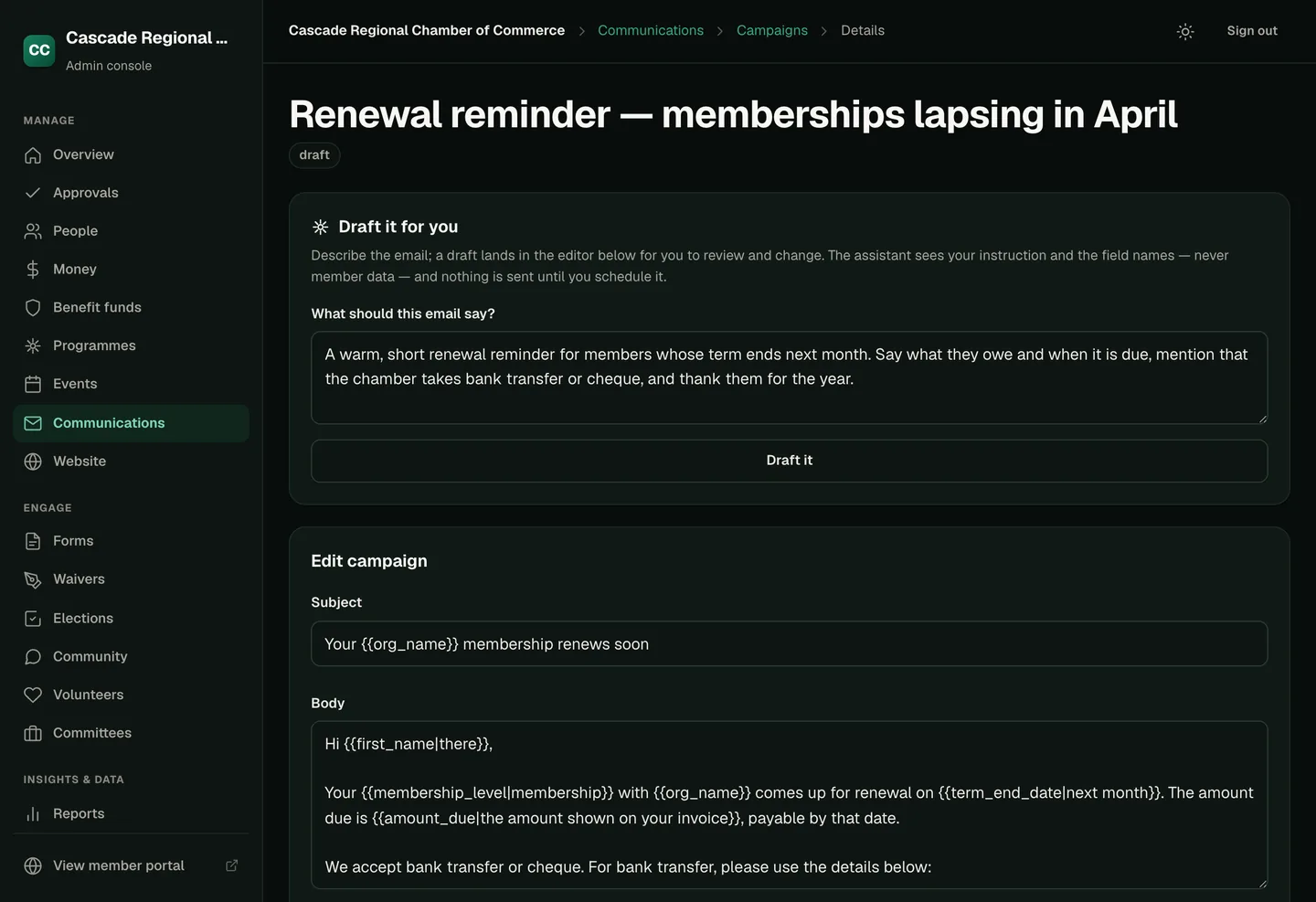
Email in your association’s voice.
Describe the message and who it is for. The draft arrives with merge fields and the right list.
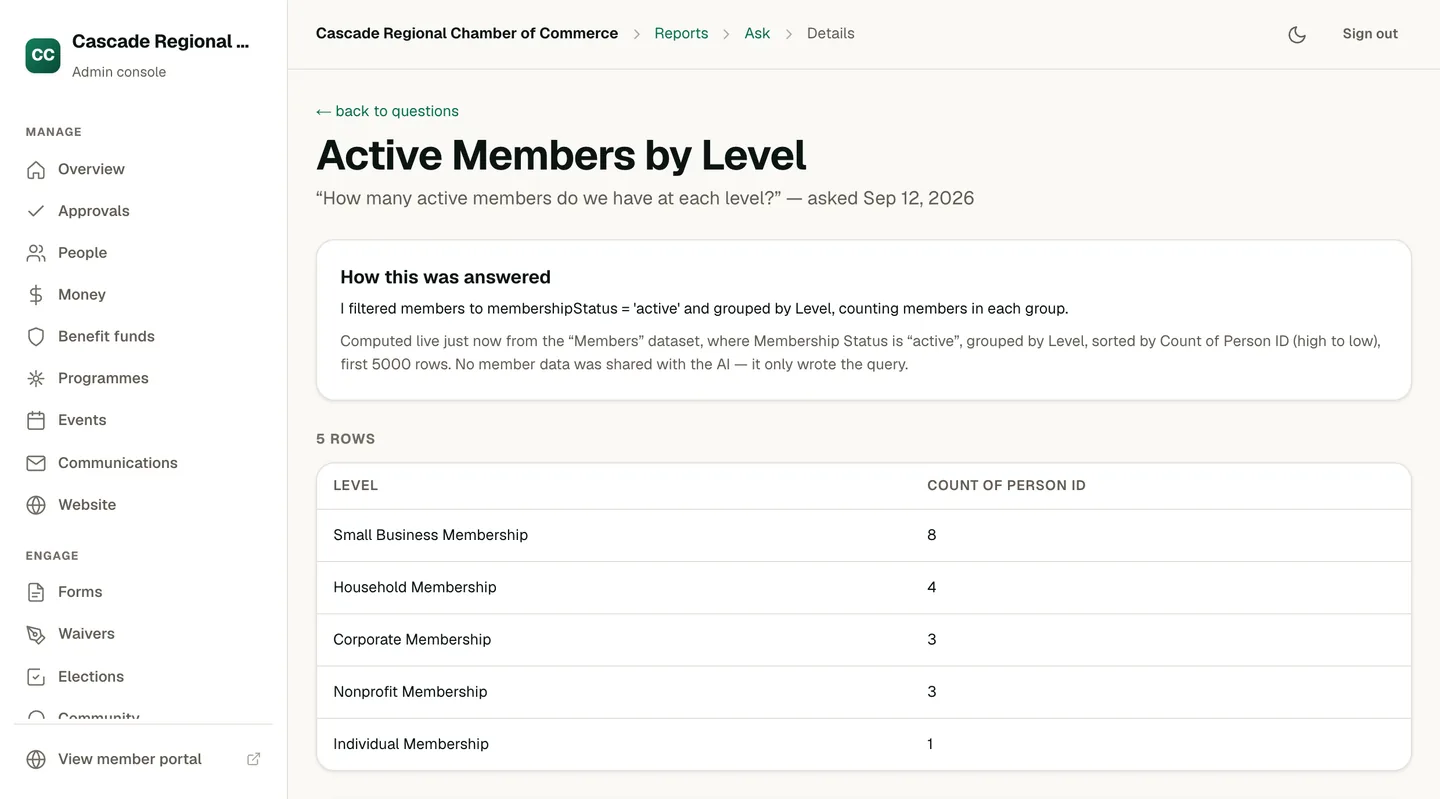
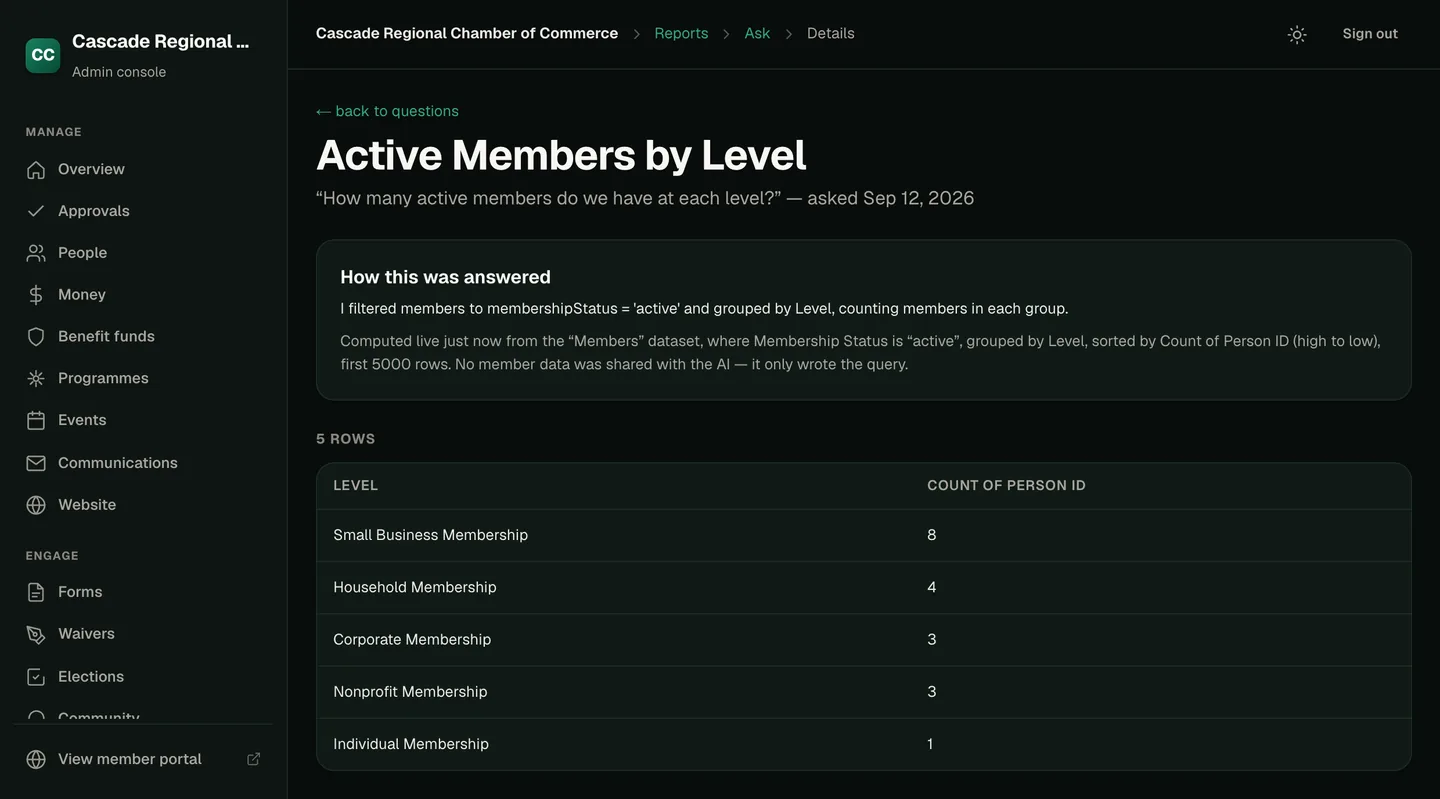
Answers with the records behind them.
Ask about members, dues or events. Each answer shows how it was worked out.
Nothing reaches members or money without an approval.
Emails, charges and record changes wait on the Today screen for someone with permission. You choose which requests can run on their own.
Security and permissions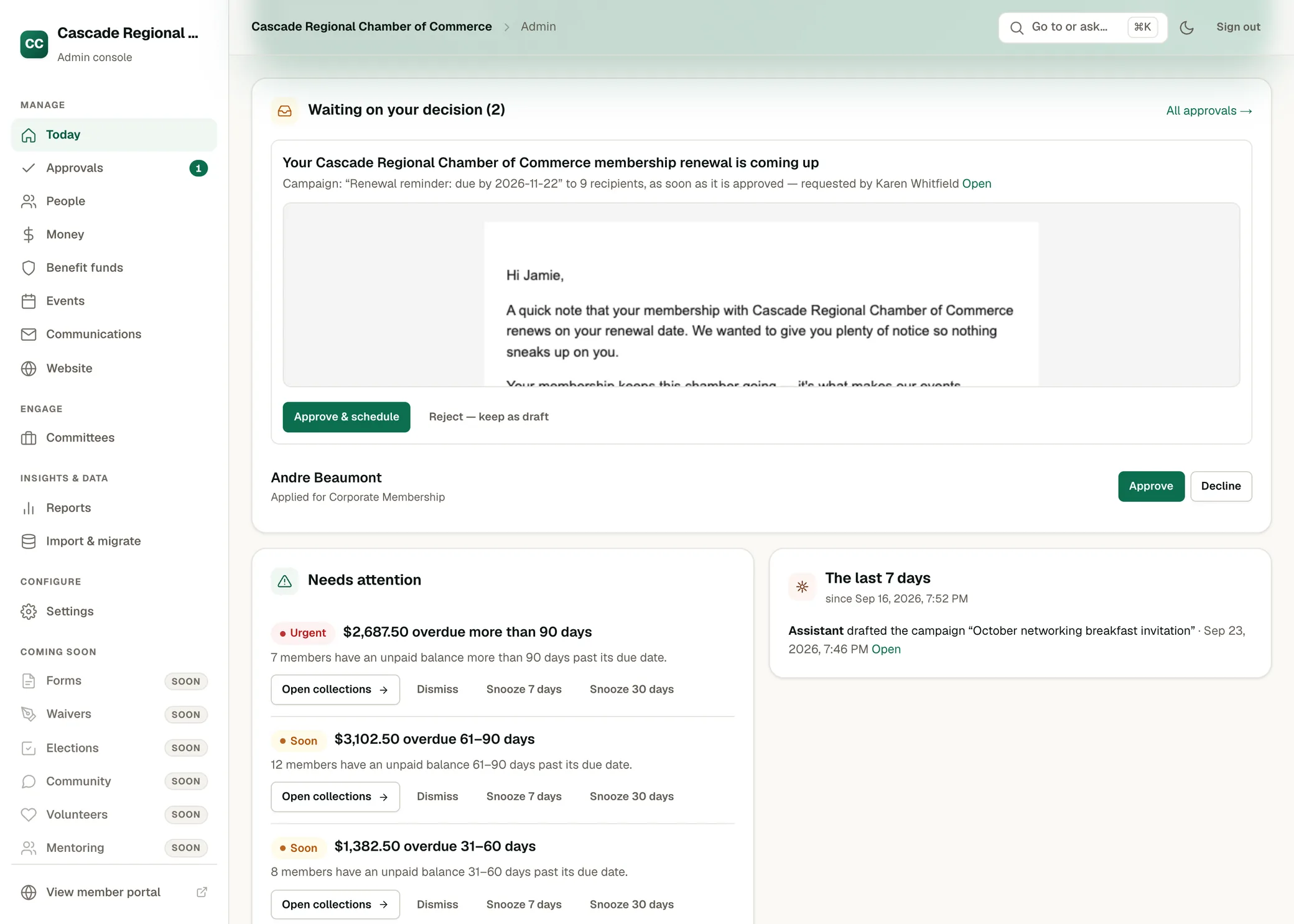
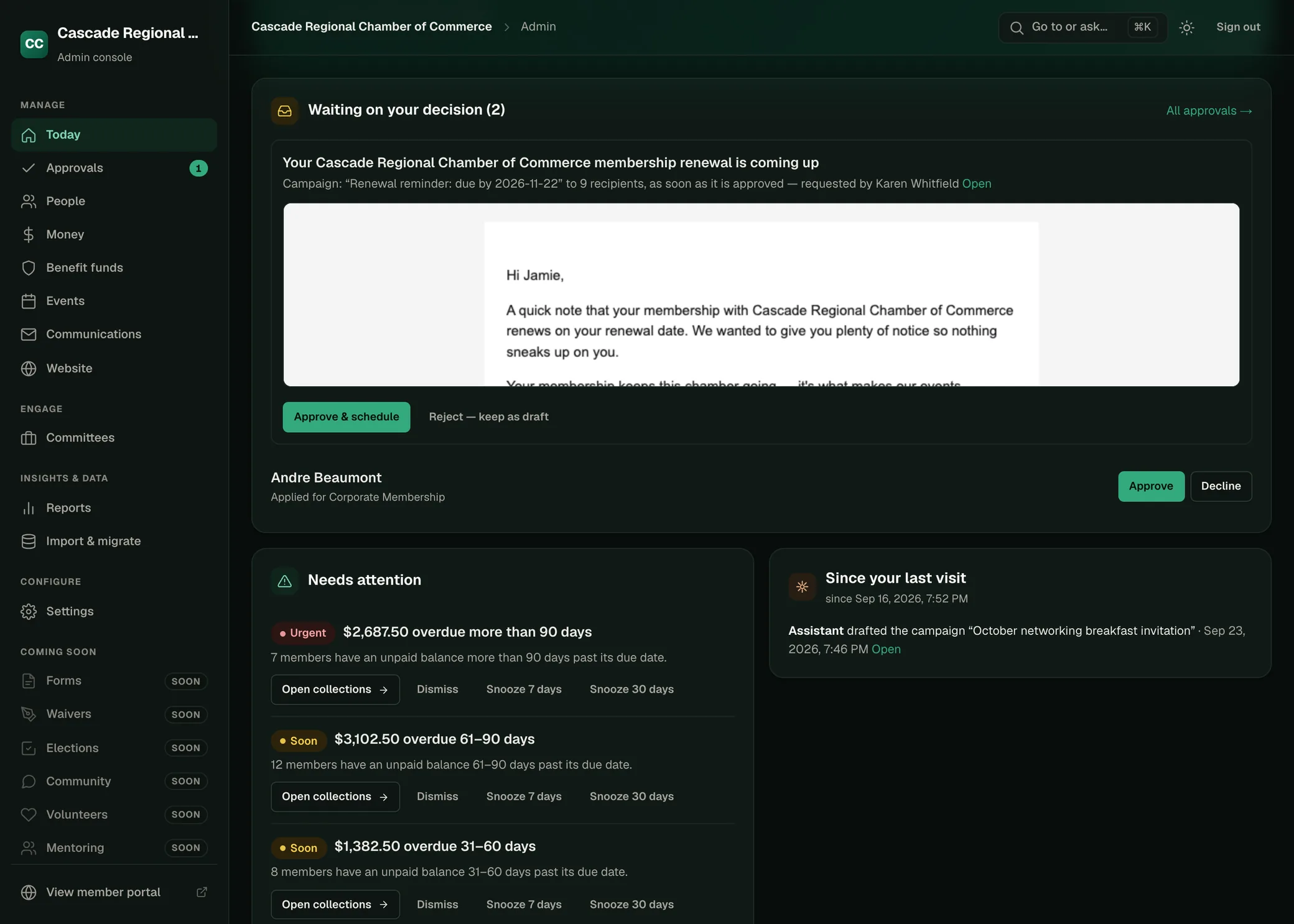
Screens from Cascade Regional Chamber of Commerce, a fictional association.
Try OneAMS with your own members.
No card is required. Nothing is billed before a written agreement.