Product tour

A tour of OneAMS in five steps.

Real product screens, shown with a fictional association created for this tour. No sign-up is required.

The Today screen.

Decisions waiting, items needing attention and changes since the last visit, on one screen.
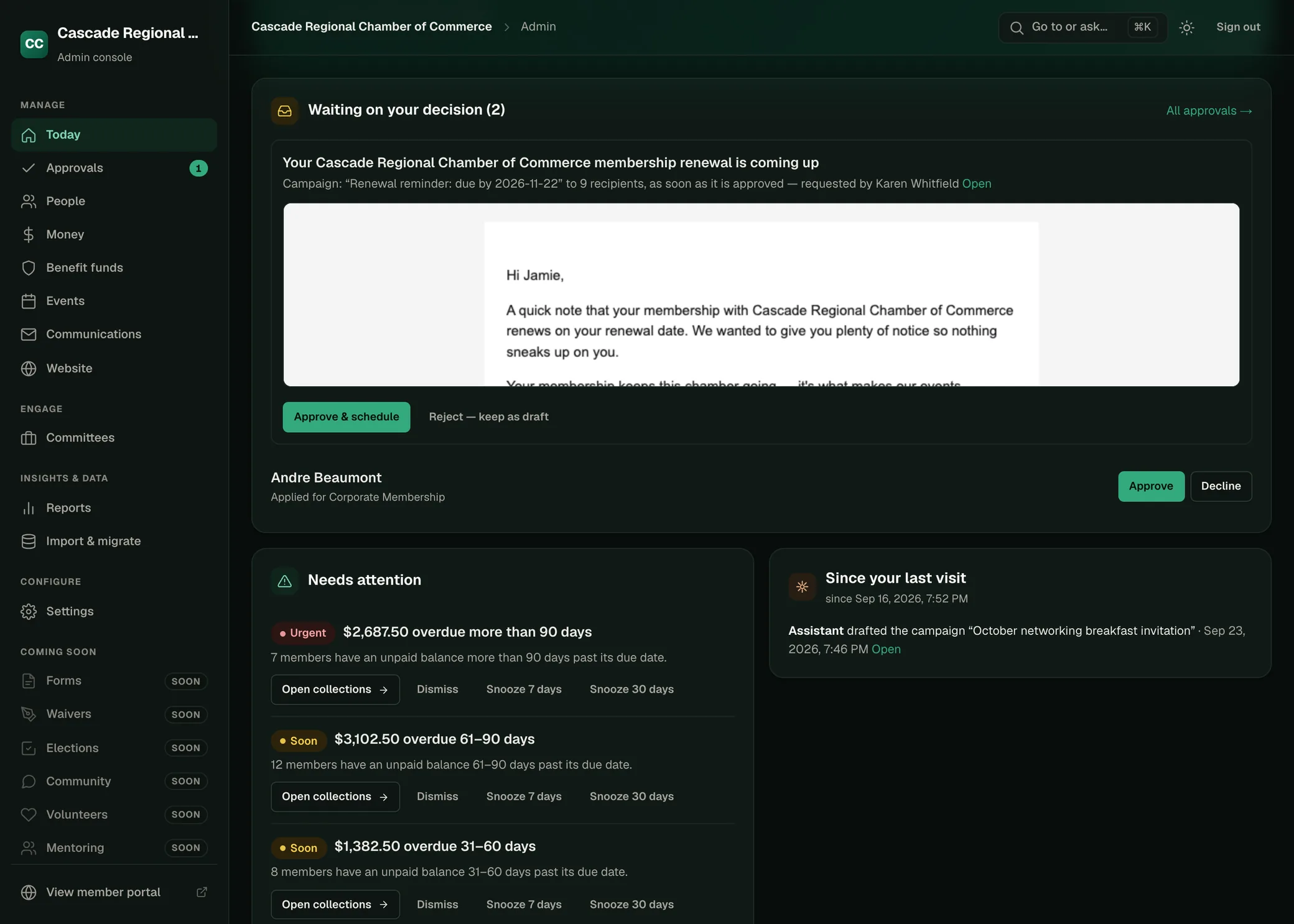
cascade-chamber.oneams.ai
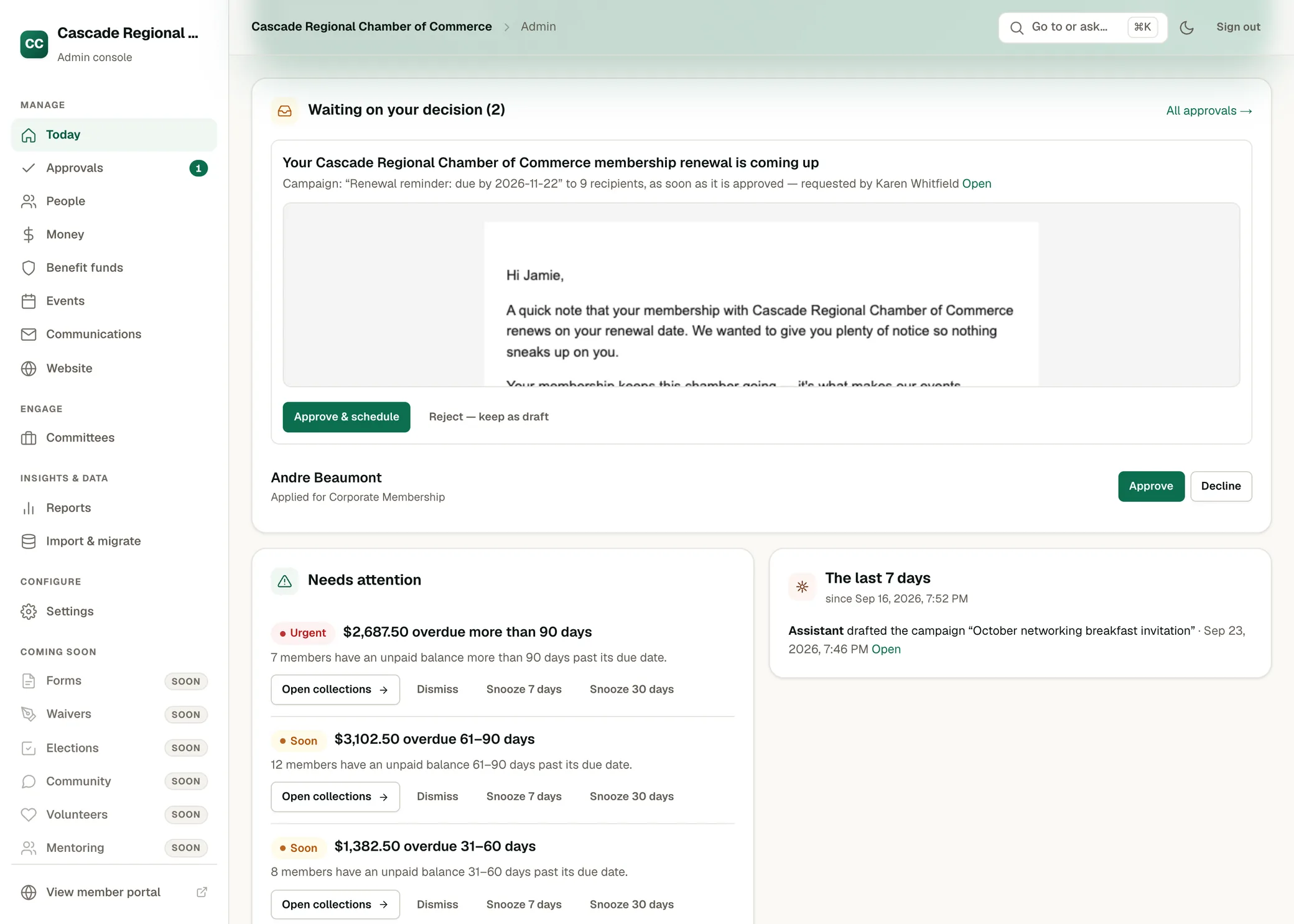
The Today screen in OneAMS for a chamber of commerce: a drafted renewal reminder and a membership application waiting for a decision, a list of overdue balances needing attention, and what the assistant did since the last visit.

Renewal preparation.

One review of the coming renewals: who is due, who is excluded and why, projected dues, and the drafted reminders, filed for approval.
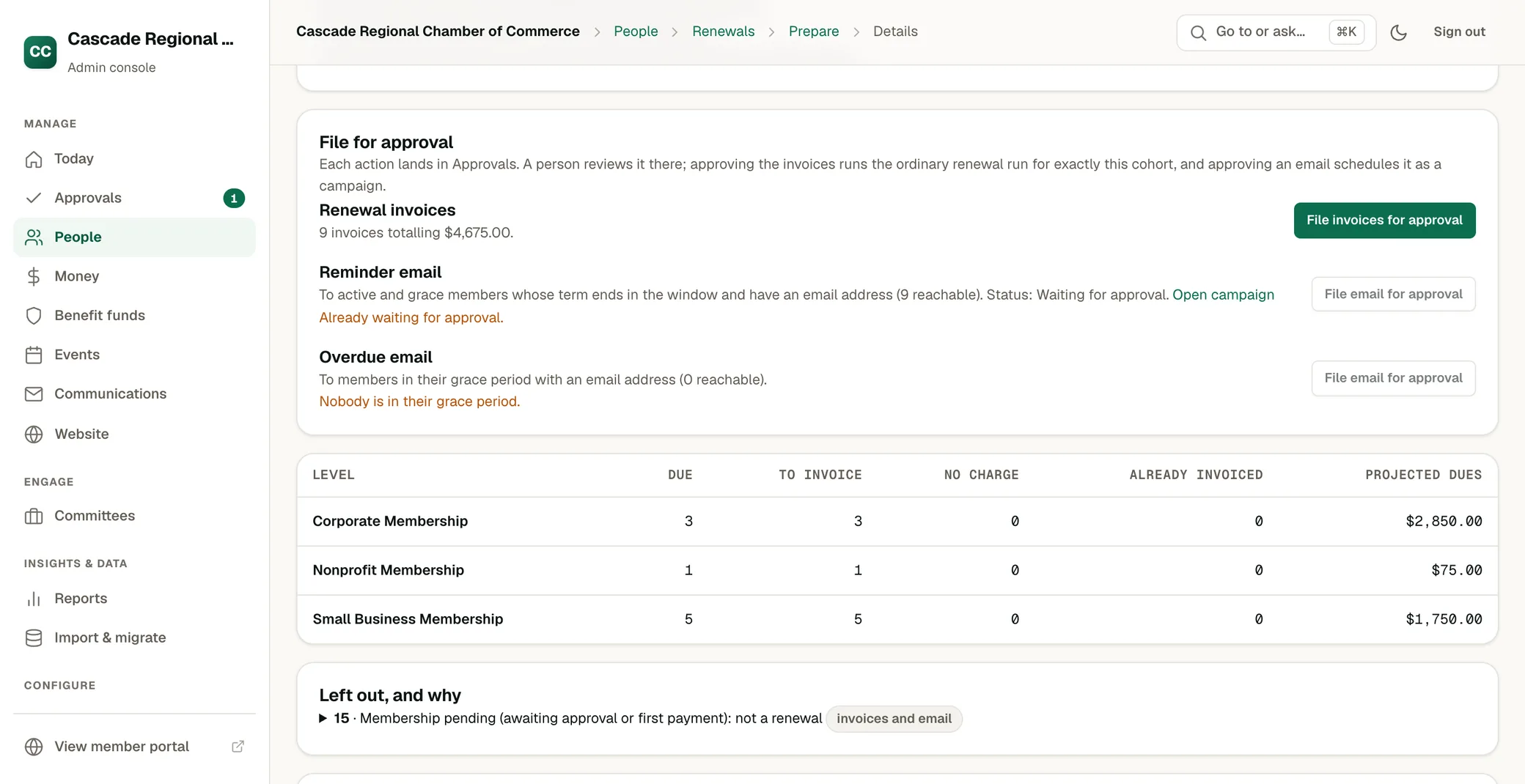
People · Prepare renewals
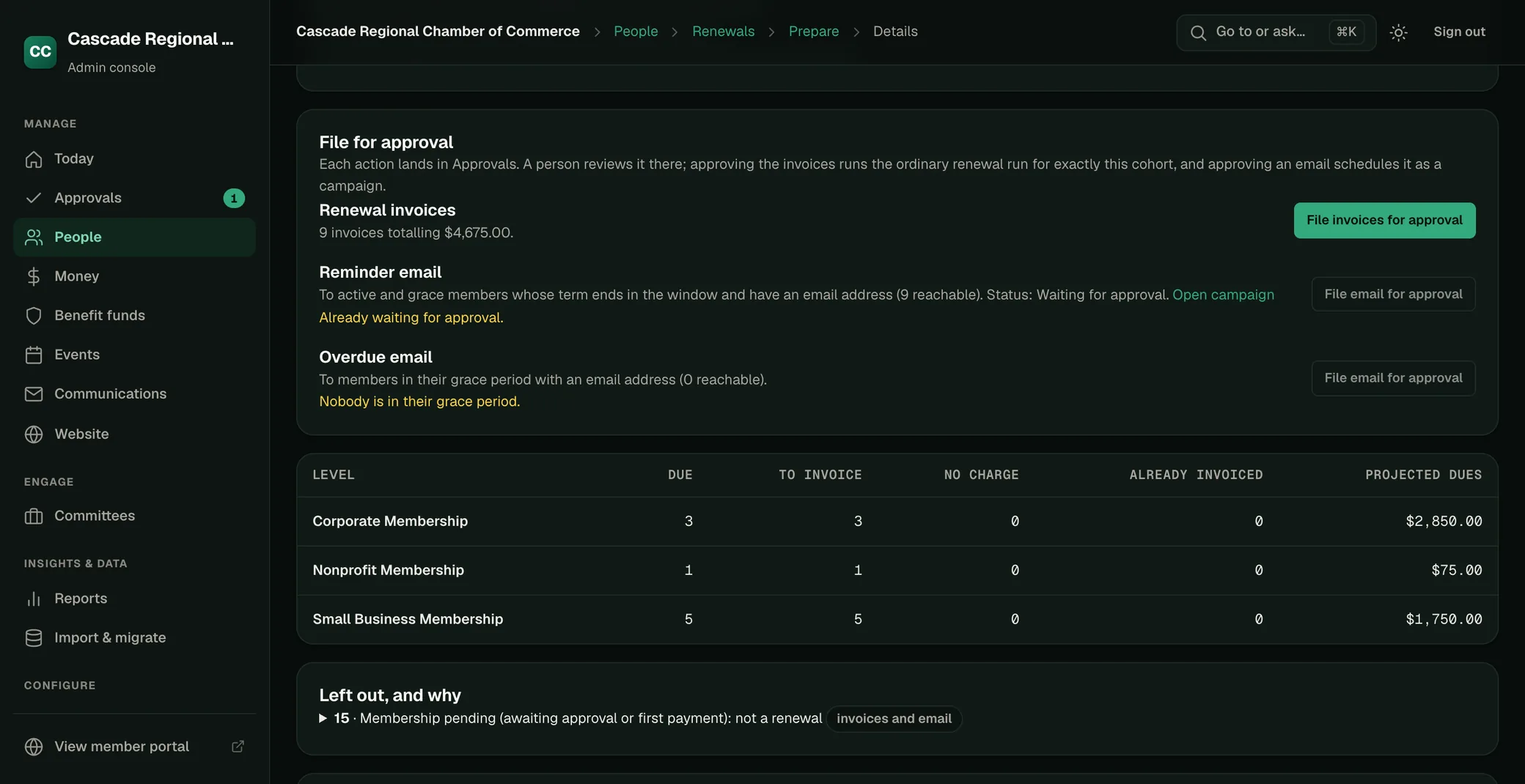
A renewal preparation in OneAMS: renewal invoices and the reminder email to file for approval, a table of members due and projected dues by membership level, and the members left out with the reason.

Reports by asking.

Ask a question in plain language. OneAMS builds the report from your records and shows how the answer was calculated.
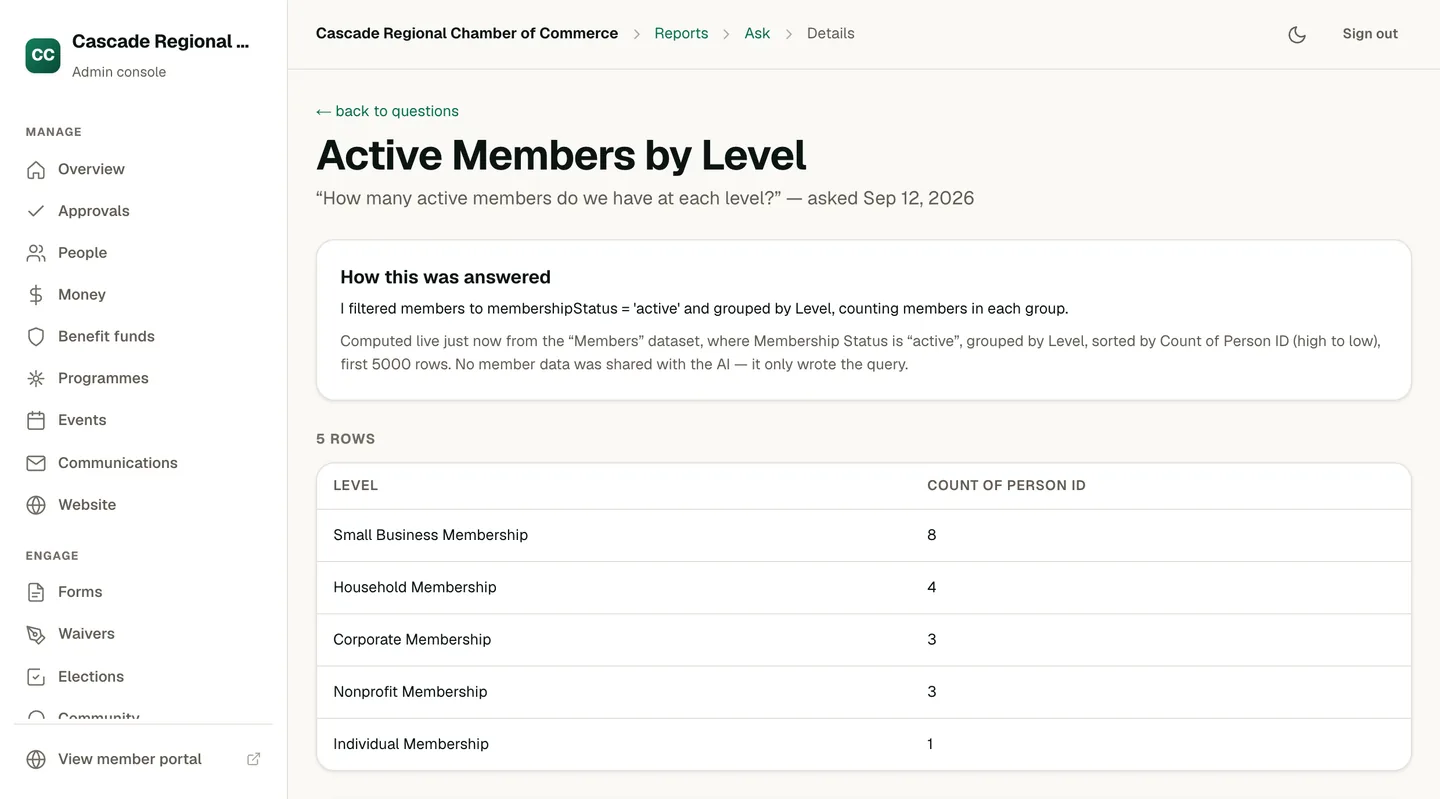
Reports · Ask
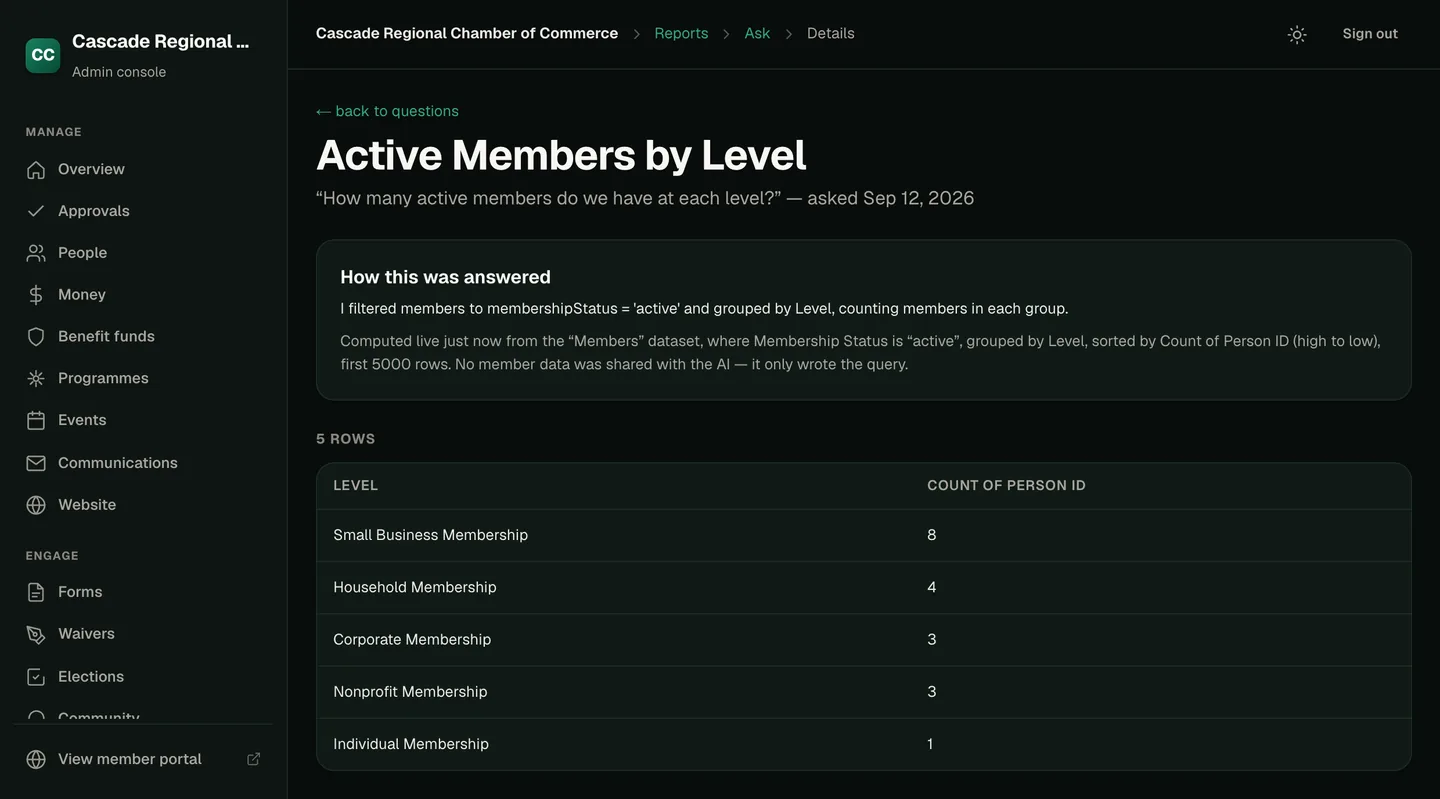
An answered question in OneAMS: the question “How many active members do we have at each level?”, a “How this was answered” panel explaining that members were filtered to active status and grouped by level, a line stating it was computed live from the Members dataset and that no member data was shared with the AI, and a five-row table of levels and counts.

Emails by asking.

Describe the email in a sentence. The draft opens in the editor with each member’s details merged in, ready for review and sending.
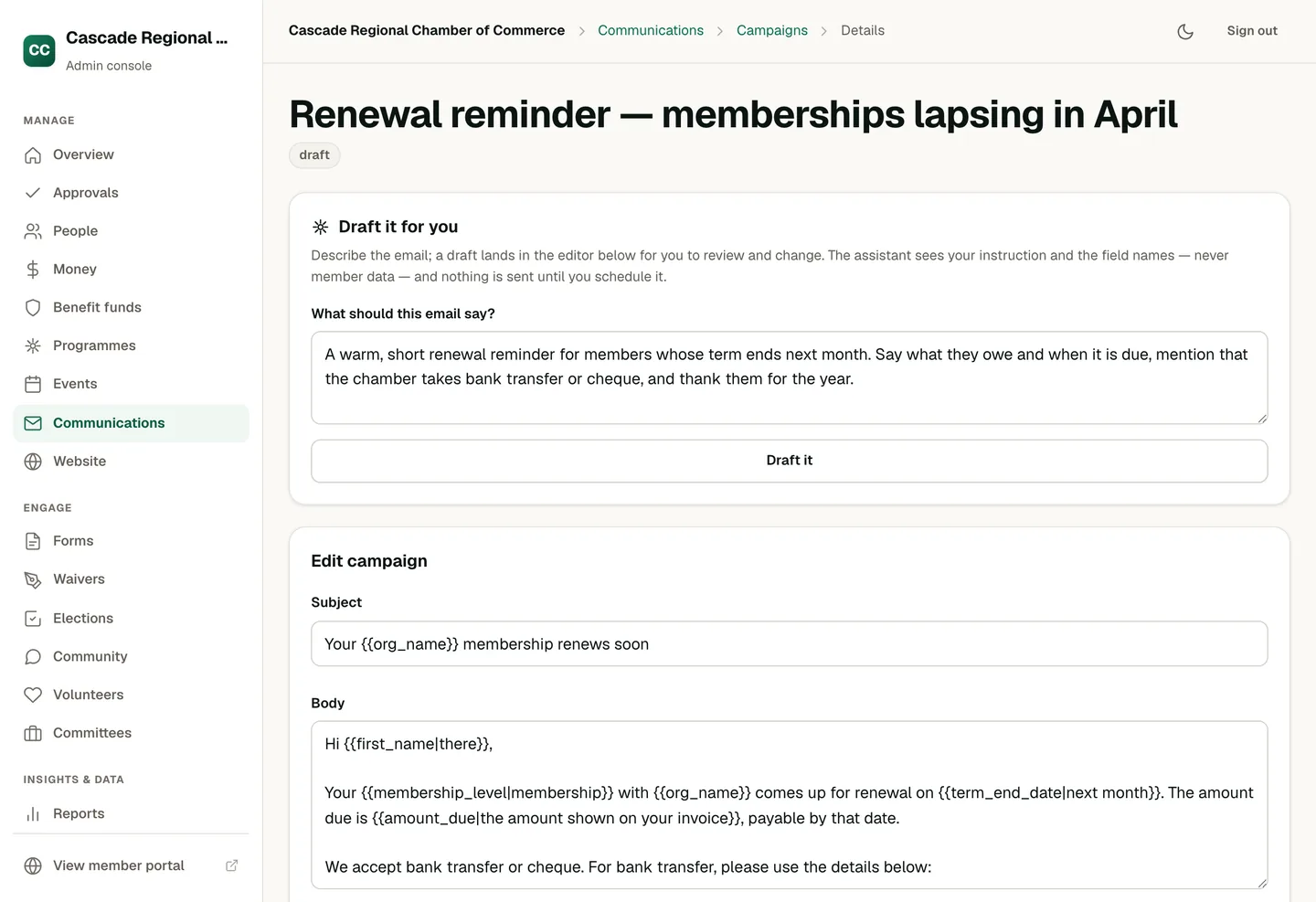
Communications · Campaign
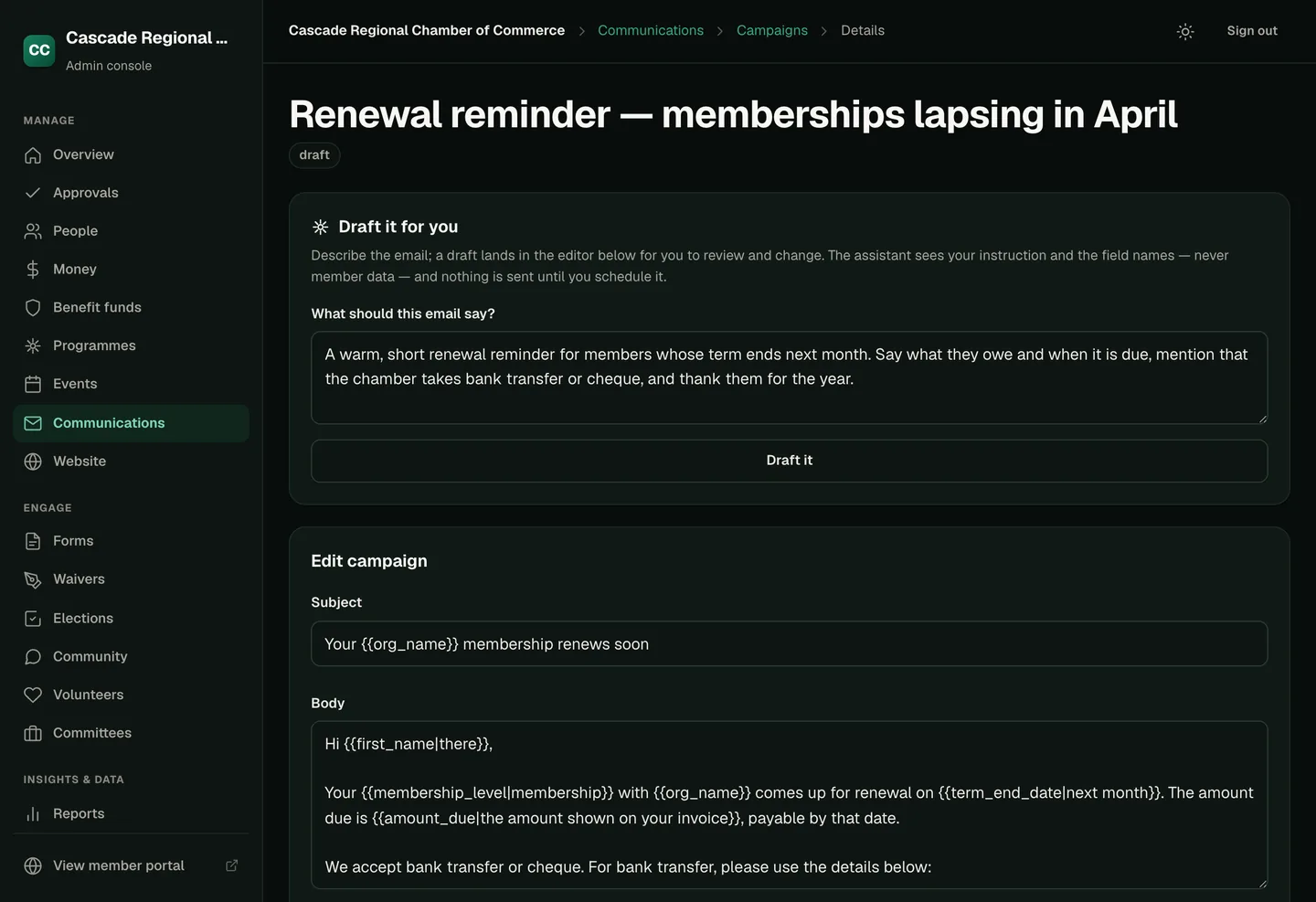
A draft campaign in OneAMS: a “Draft it for you” panel holding the administrator's instruction for a renewal reminder, and beneath it the campaign editor with the subject and body the assistant wrote, still editable, with merge fields such as first name, term end date and amount due shown in place.

The member portal.

Members sign in on their phone to renew, register for events and present their membership card at the door. When enabled, a Help page answers their questions from the association’s own information.
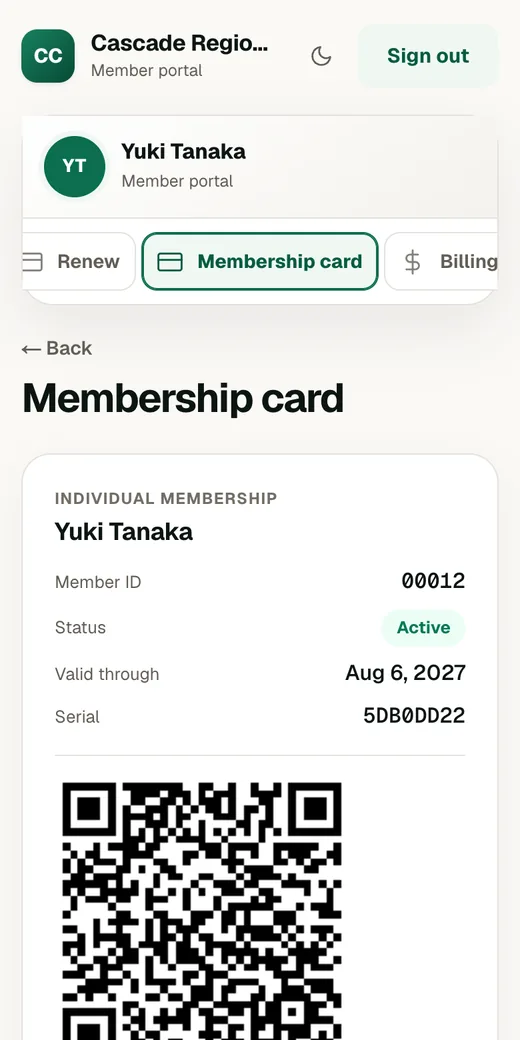
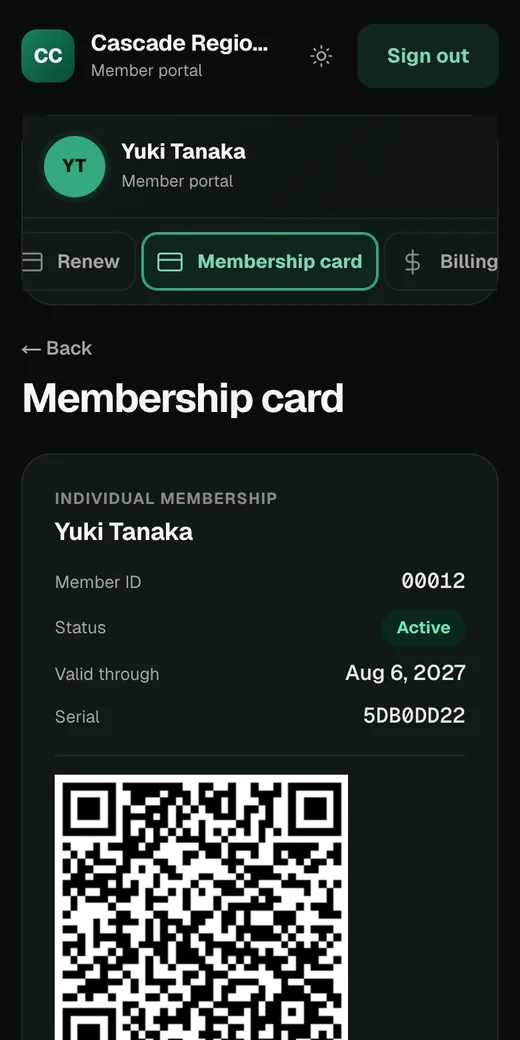
The OneAMS member portal on a phone, showing a member's digital membership card with their member number, active status, expiry date and a scannable code.

A demo shows the same screens configured with your association’s members and rules.