Features
What OneAMS includes.
OneAMS covers the core operations of a membership organization. Each area is summarized below.
- Today
- The admin home lists the decisions waiting, the items needing attention, and what changed since your last visit, filtered to what each person may act on.
- Members and renewals
- A single, current member list. Memberships move from active to grace to lapsed on the dates you define. Ask who is due and OneAMS assembles the renewal for review.
- Dues and payments
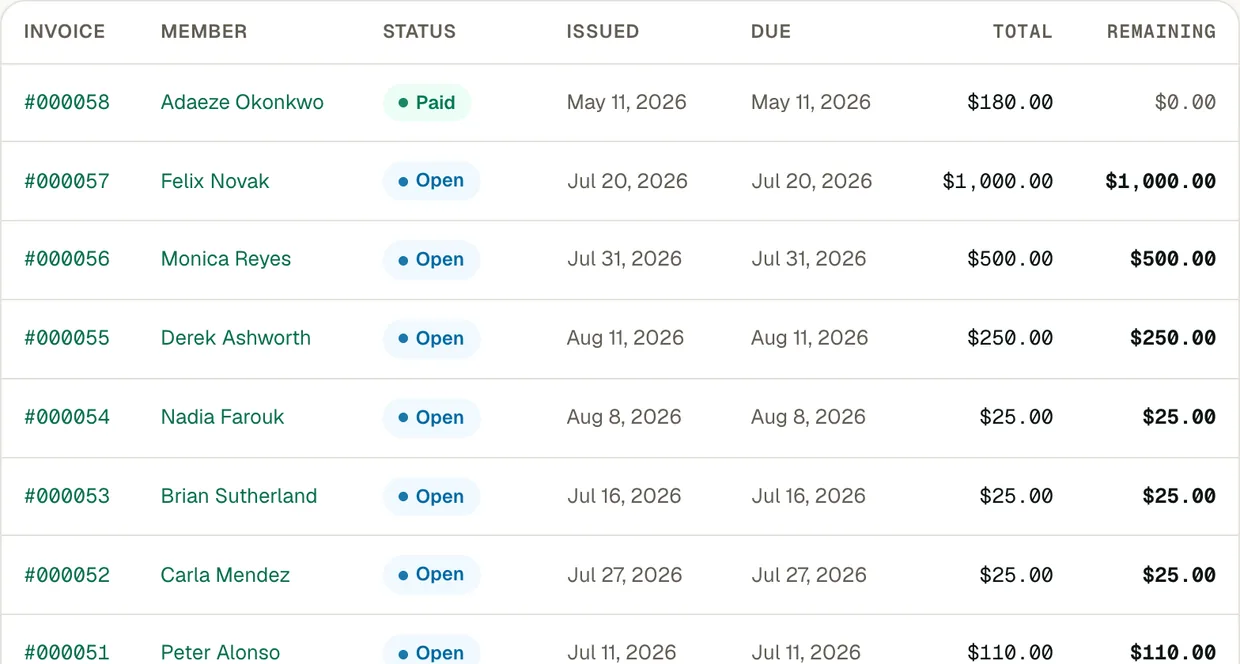
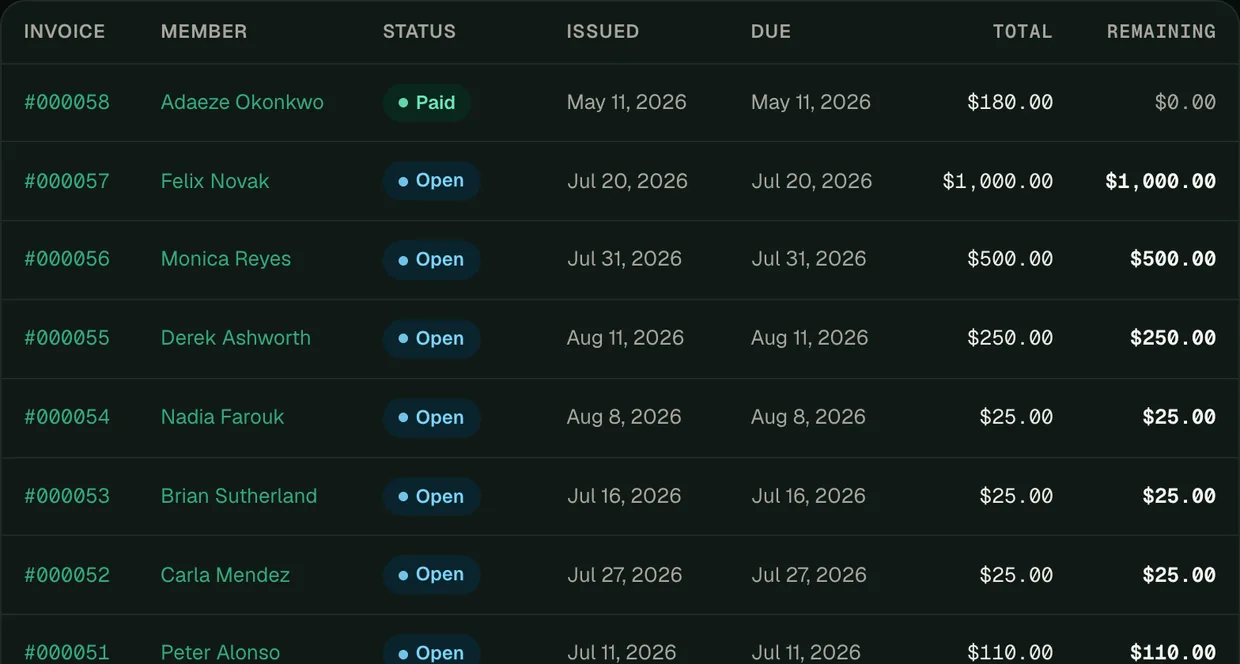
- Record payments by bank transfer, Zelle, cheque or cash. Recording a payment closes the invoice, renews the membership and updates the ledger, as an online payment does. Invoices, balances and the ledger remain consistent.
- Online payments
- Members pay dues, event registrations and donations by card or US bank account through Stripe, and the money is paid out to your association's own Stripe account.
- Events
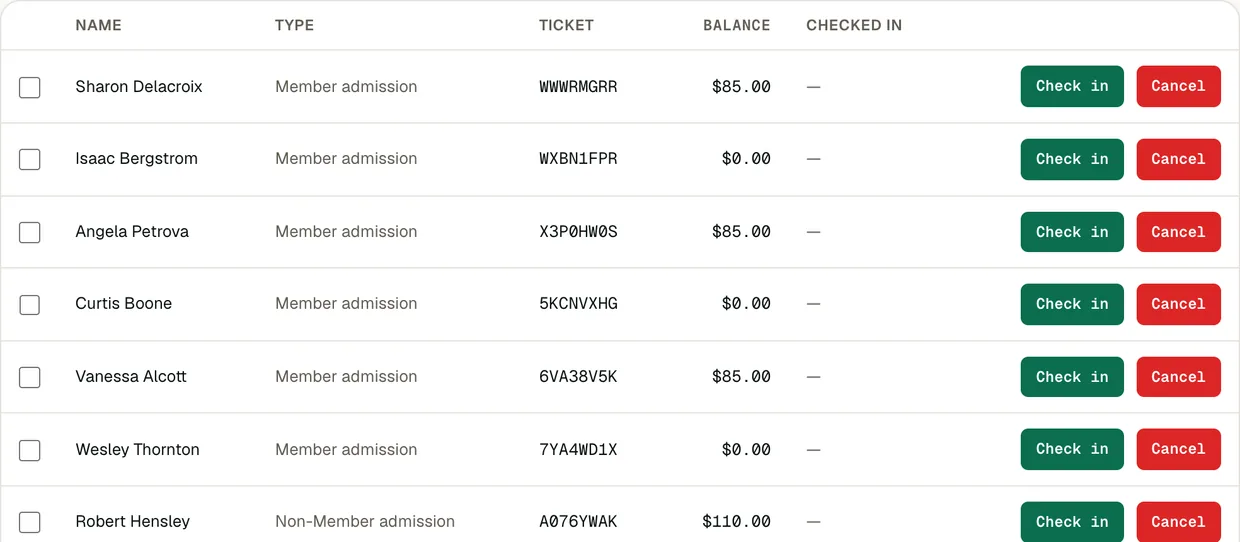
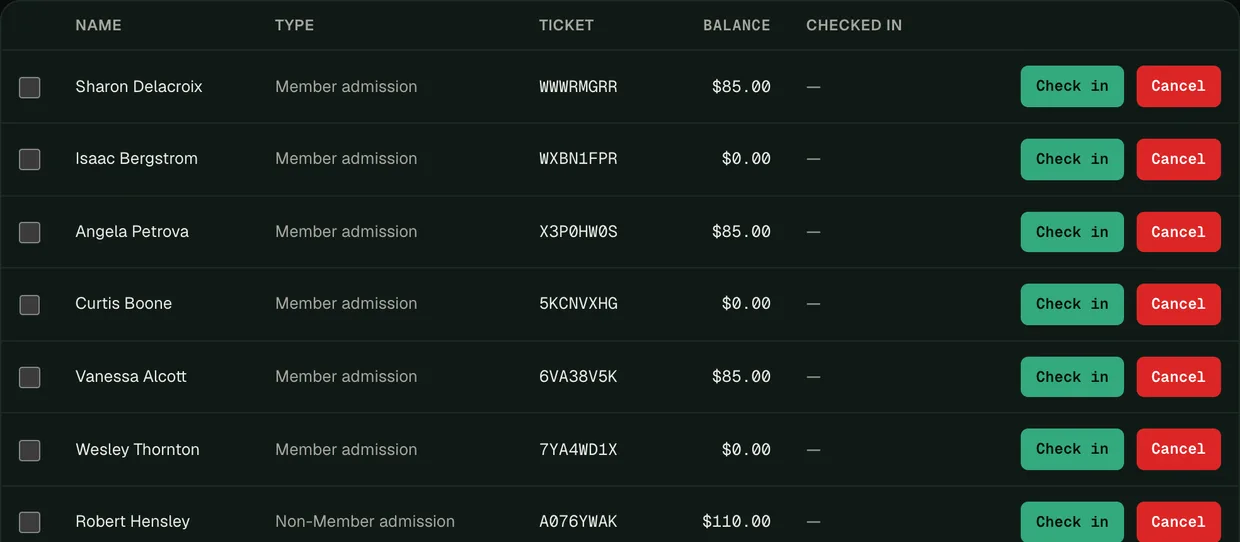
- Member and guest pricing, capacity limits with a waitlist, and check-in at the door from a phone.
- Chapters
- Each chapter manages its own members and events. The national office has a consolidated view across all chapters, and prepares renewals by chapter.
- Member portal and website
- Members sign in through your website to renew, register for events and access their membership card. A Help page, when enabled, answers their questions from your own information. Compatible with WordPress, Squarespace and most other website platforms.
- Newsletters and reminders sent to targeted groups of members, drafted in your association's voice on request, with delivery reporting.
- Reports and board packs
- The figures your board requests, board packs, plain-language narration when enabled, and an export of your records at any time.
- Data quality
- Likely duplicate records and members with missing details, listed weekly, with merges and follow-ups proposed for approval.
- AI assistant
- Ask in plain language for renewals, reports, emails, events, follow-ups, clean records and imports. Anything consequential waits for your approval. How the AI works
Product screens
The administrator view.
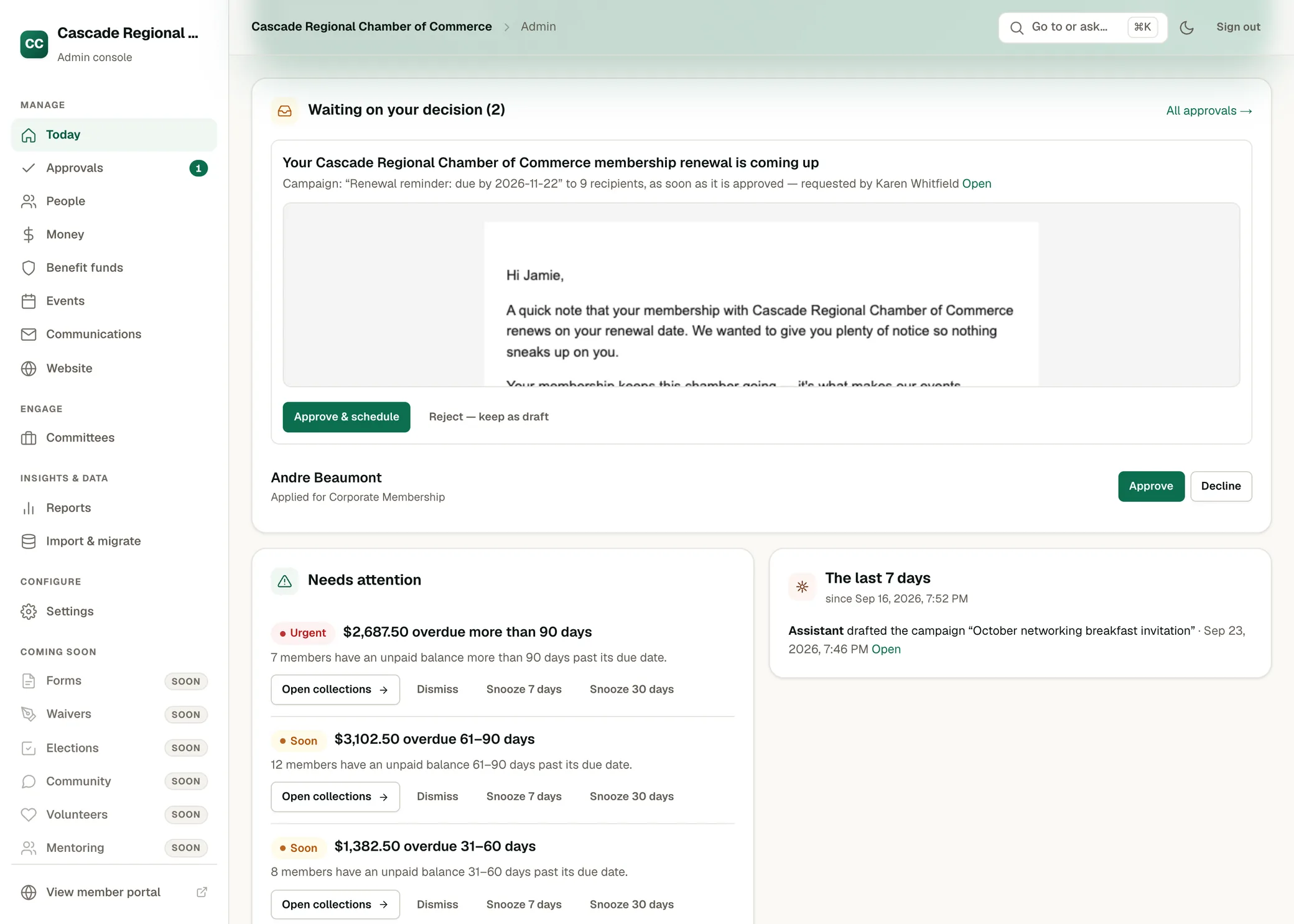
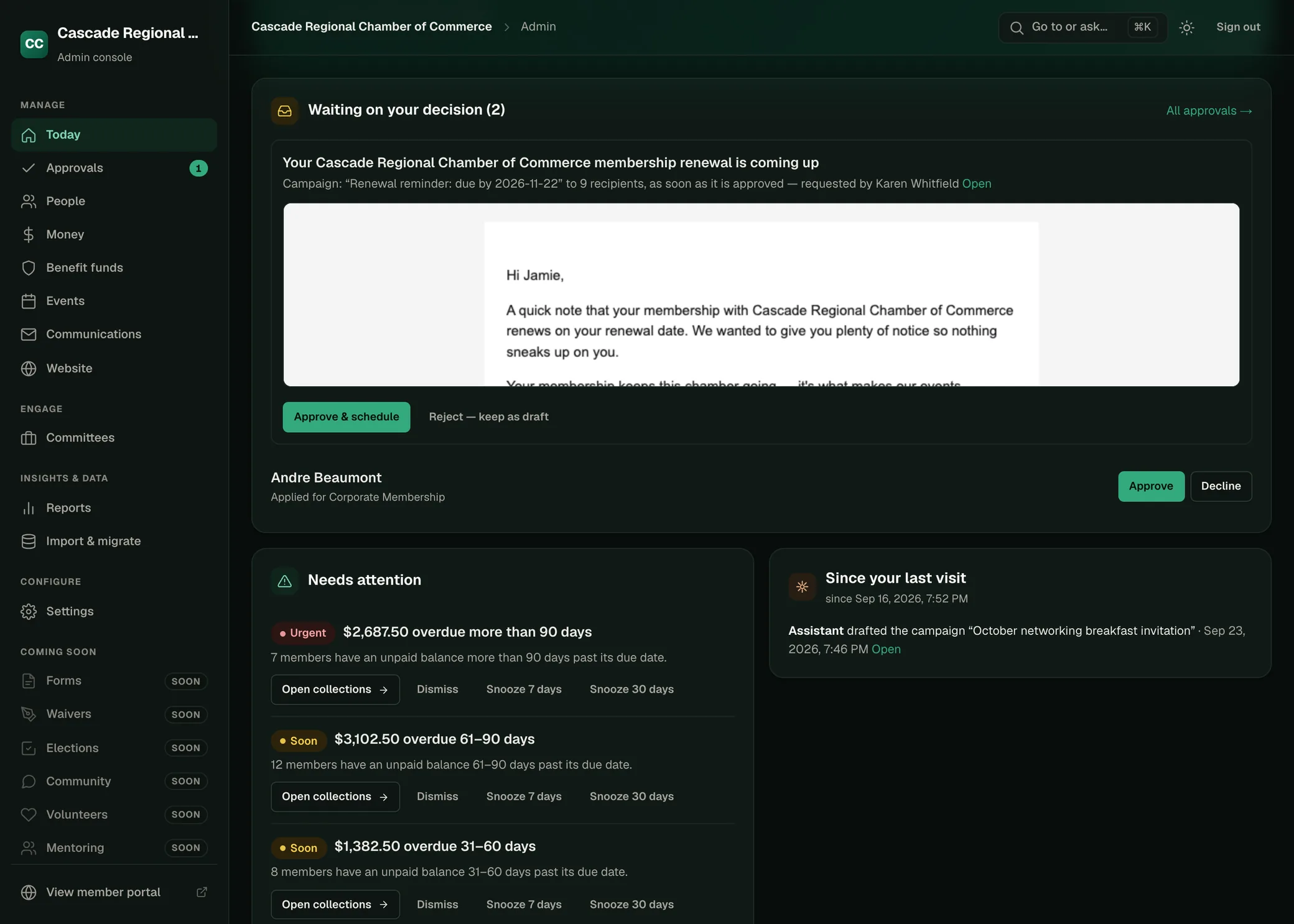
Today: decisions waiting, items needing attention, and changes since the last visit.
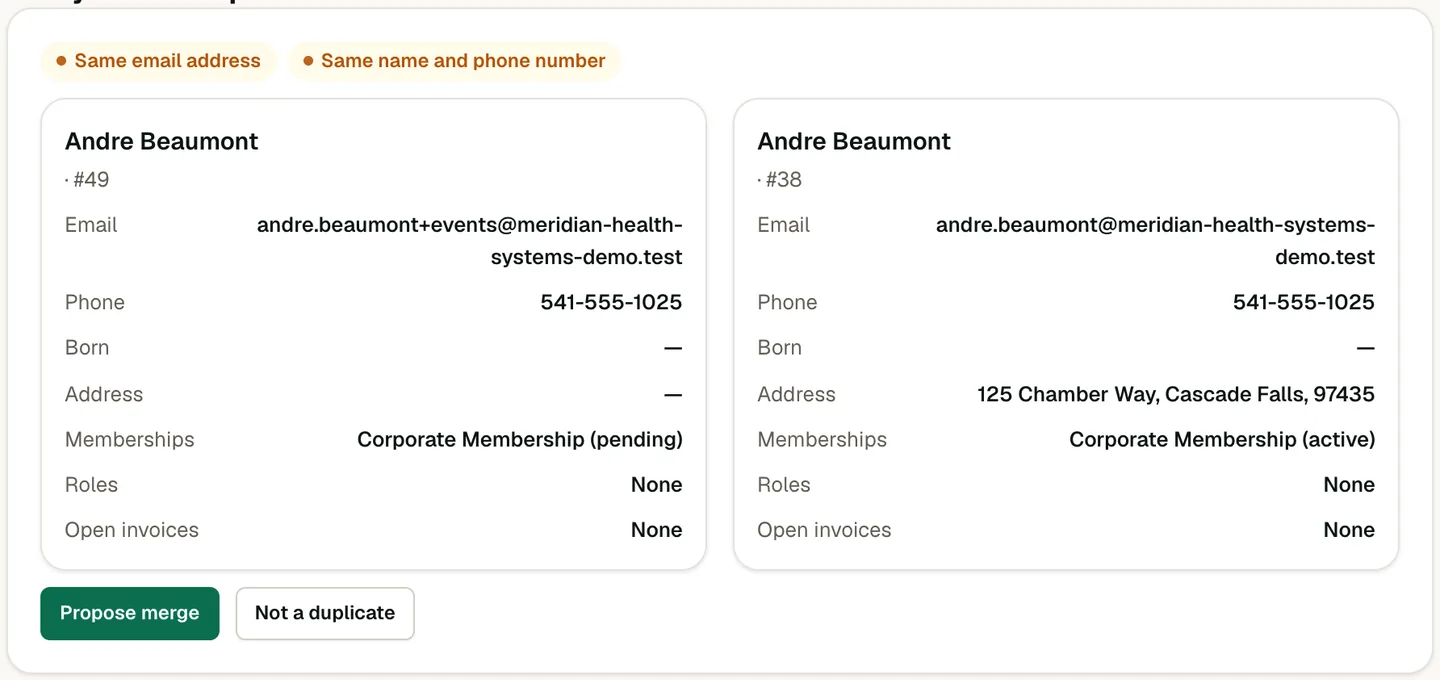
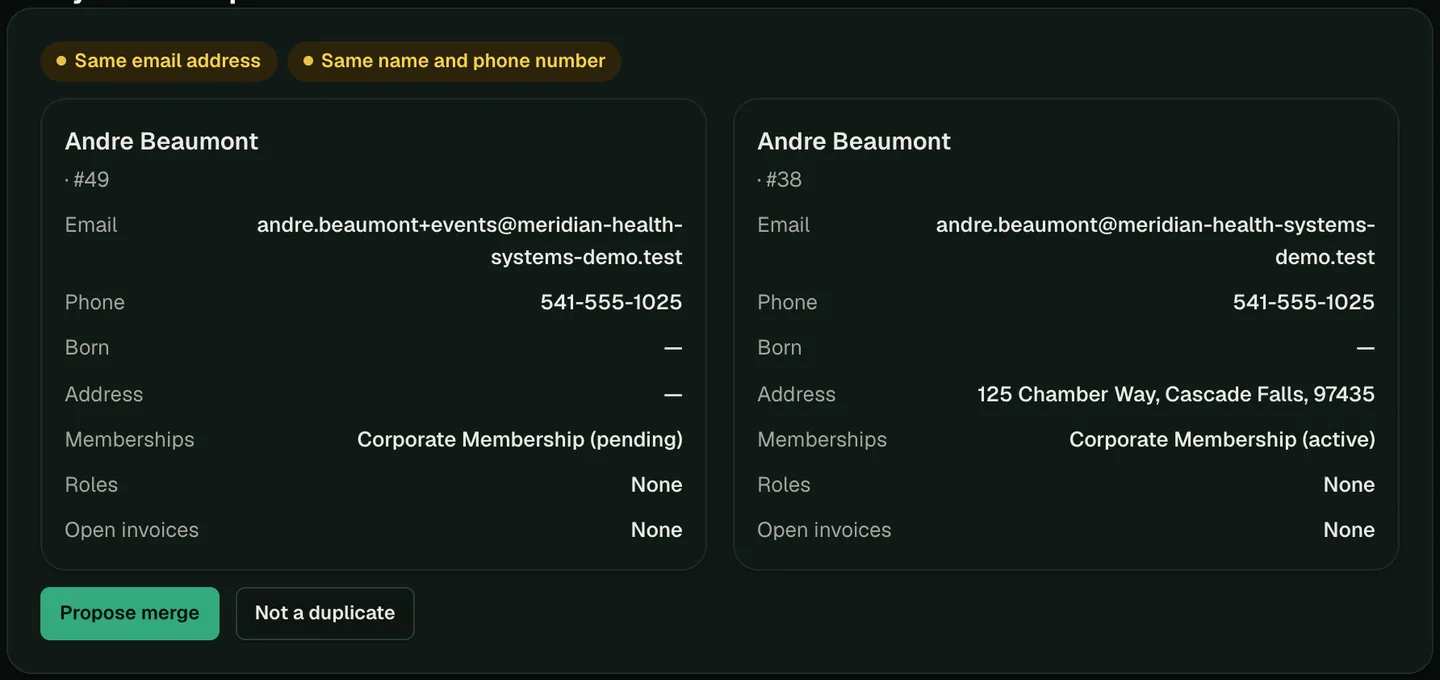
The association shown, Cascade Regional Chamber of Commerce, is fictional.
See OneAMS configured with your membership rules.